
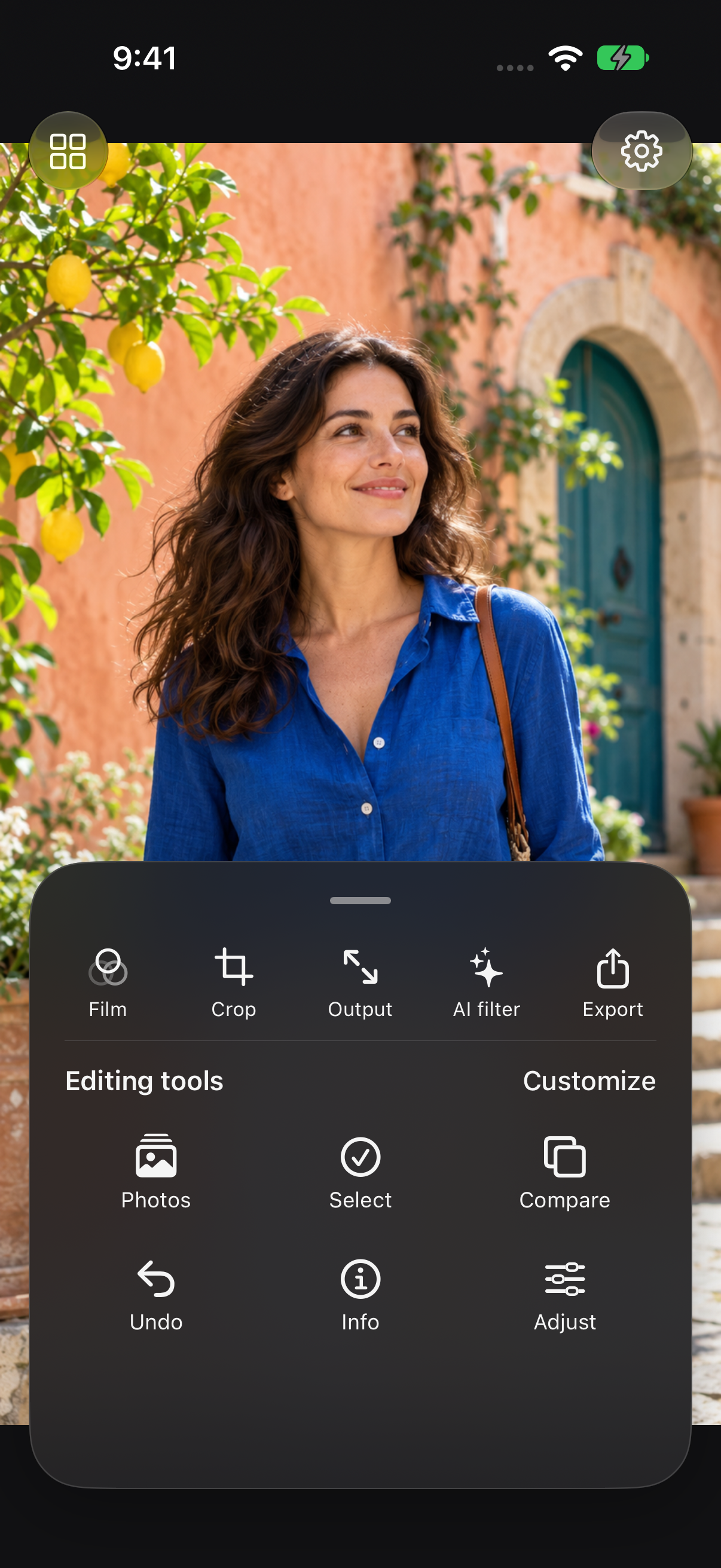
The tool drawer moves over the photo. Choose the tools you use most, open the controls you need, then collapse the drawer to return to the image.
Free workspace; individual tools may require an upgrade
Try this workflow
- Tap a photo to enter the full-screen workspace.
- Open the drawer to see your tools.
- Arrange your shortcuts for the way you edit.
- Collapse the drawer and pinch to inspect the image.