
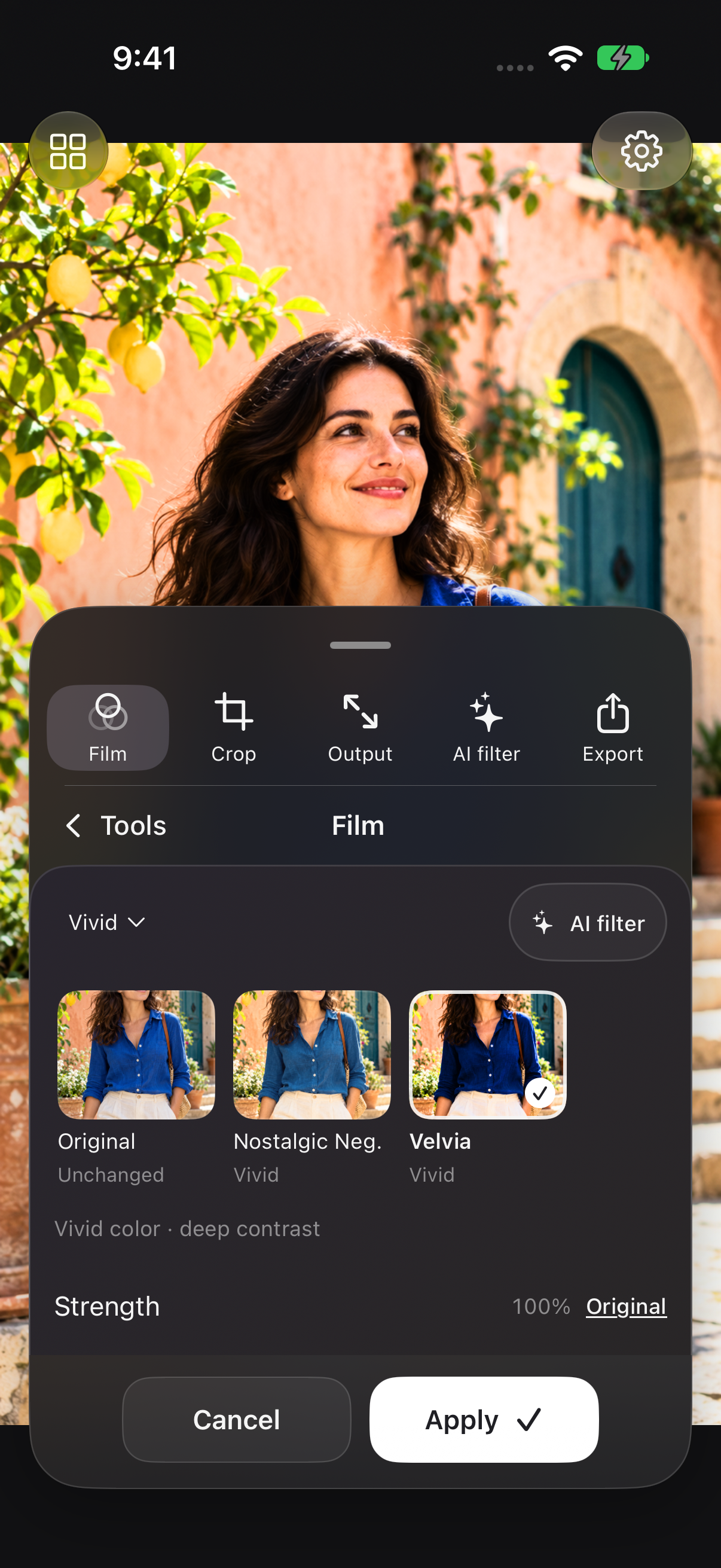
Ten looks cover muted documentary color, warm negatives, vivid color, softer portraits, cinema, and black and white. Each look is rendered on your photo before you apply it.
Pro Ultra or Pro Ultra AI
Try this workflow
- Open a photo and choose Film in the tool drawer.
- Tap a look to preview its color and contrast.
- Adjust Strength, compare with Original, and tap Apply.
- Open Export and save a new copy.