
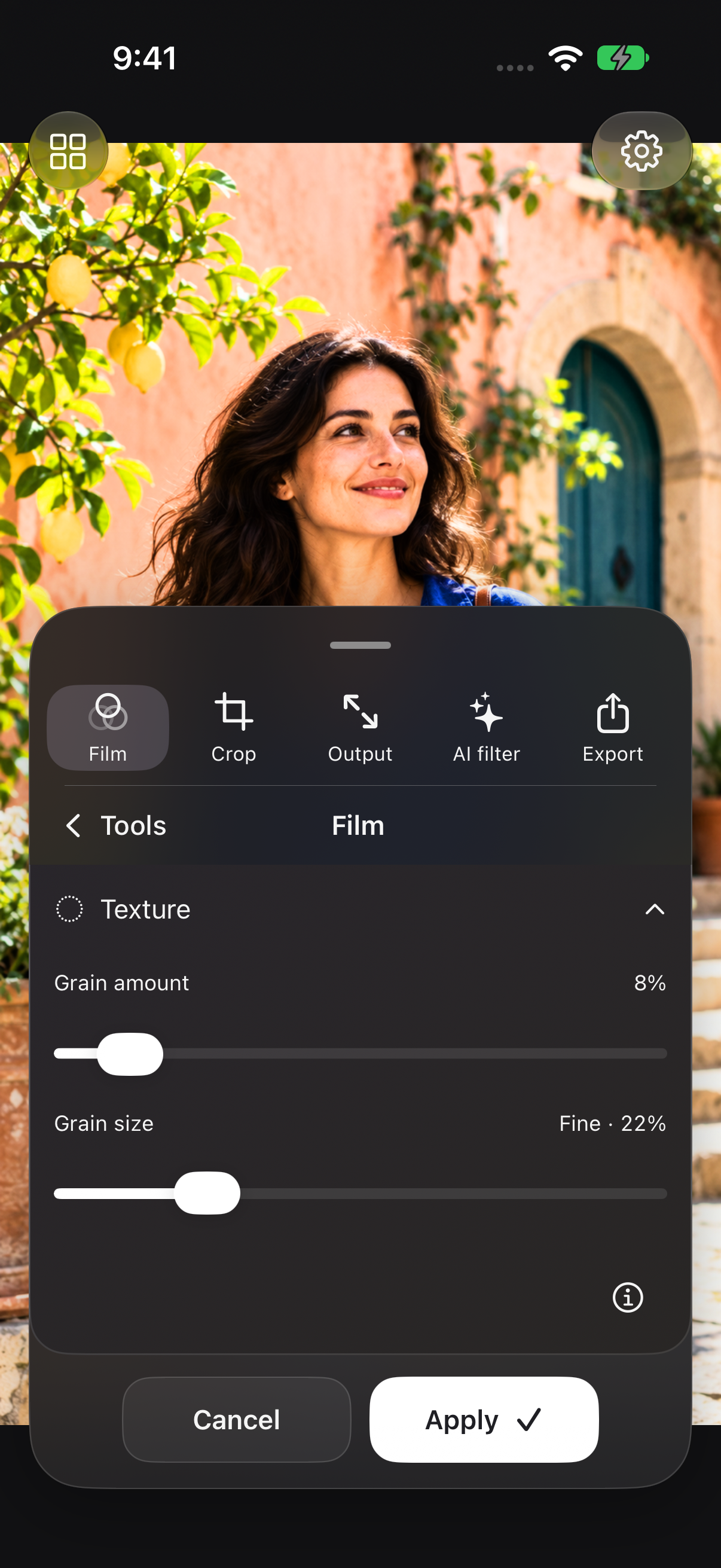
Adjust grain amount and size while viewing the effect on your photo. Compare with the original before applying.
Pro Ultra or Pro Ultra AI
Try this workflow
- Choose a film look in Film.
- Expand Texture to reveal Grain amount and Grain size.
- Move each control and look closely at the preview.
- Tap Apply to keep the grain settings.